
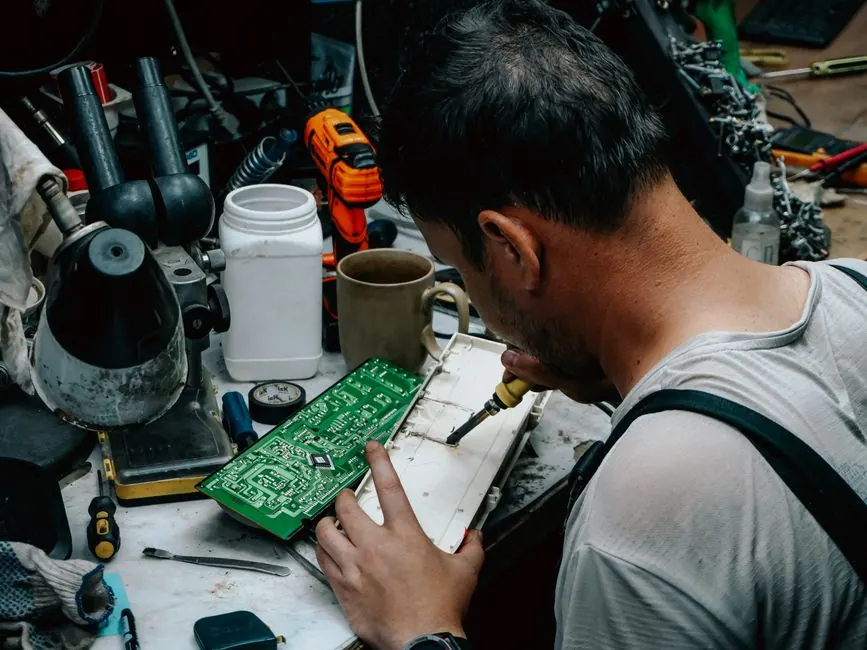
Microwave ovens are a staple in many Riverside homes, providing convenience for quick meals and snacks. However, when your microwave won't start, it can be frustrating. Understanding how to troubleshoot a microwave that won't start can save you time and money on unnecessary repairs. This guide will cover common causes, troubleshooting steps, and when to seek professional help.
Understanding Microwave Functionality
Before diving into troubleshooting, it's essential to understand how a microwave works. Microwaves use electromagnetic radiation to heat food, relying on several key components:
- Magnetron: This is the heart of the microwave, generating the microwaves that cook your food.
- High-voltage transformer: It powers the magnetron and is crucial for the microwave's operation.
- Control board: This is the brain of the microwave, managing functions and settings.
- Door switch: This ensures the microwave operates only when the door is securely closed.
Understanding these components can help you diagnose issues when your Riverside microwave won't start.
Common Causes of Startup Issues
Several factors can prevent your microwave from starting. Here are some common causes:
- Power supply issues: Check if the microwave is plugged in and if the outlet is functioning.
- Faulty door switch: If the door isn't properly closed, the microwave won't start due to safety mechanisms.
- Blown fuse: A blown fuse can interrupt power to the microwave, requiring replacement.
- Defective control board: If the control board is malfunctioning, it may not send signals to the magnetron.
Identifying these issues is the first step toward fixing a microwave that won't start in Riverside.
Step-by-Step Troubleshooting Guide
Follow these steps to troubleshoot your microwave effectively:
- Check the power source: Ensure the microwave is plugged in and the outlet is working. You can test the outlet with another appliance.
- Inspect the door switch: Open and close the microwave door firmly. If it feels loose or doesn't click, the door switch may need replacement.
- Examine the fuse: Unplug the microwave and check the fuse. If it's blown, replace it with a new one of the same rating.
- Reset the microwave: Sometimes, a simple reset can resolve electronic glitches. Unplug the microwave for a few minutes, then plug it back in.
- Test the control board: If all else fails, the control board may be faulty. This often requires a professional inspection.
By following these steps, you can often identify the problem without needing to call for microwave repair in Riverside.
What to Watch Out For
While troubleshooting, be aware of these common mistakes:
- Forgetting to check the power source first. This is often the simplest solution.
- Using the microwave without ensuring the door is closed properly.
- Attempting to fix electrical components without proper knowledge, which can be dangerous.
These oversights can lead to further complications or safety hazards. Always prioritize safety when troubleshooting.
When to Call a Professional
If your troubleshooting efforts do not resolve the issue, it may be time to call a professional. Riverside Appliance Repair Experts can provide expert assistance for any microwave issues you encounter. Our technicians are trained to handle complex repairs and can ensure your appliance is safe and functional.
Frequently Asked Questions
What can cause a microwave not to start in Riverside?
Common causes include power supply issues, a faulty door switch, a blown fuse, or a defective control board. Each of these factors can prevent the microwave from functioning.
How do I fix a microwave that won't start in Riverside?
Begin by checking the power source and ensuring the door is properly closed. Inspect the fuse and reset the microwave if necessary. If these steps do not work, consider professional help.
Is it worth repairing a microwave that won't start in Riverside?
It often depends on the age and condition of the microwave. If it's relatively new and the repair costs are reasonable, it may be worth it. However, for older models, replacement might be a better option.
Can I troubleshoot my microwave myself?
Yes, many microwave issues can be diagnosed and resolved by following simple troubleshooting steps. However, always prioritize safety and consult a professional if you're unsure.
How long does a microwave repair usually take?
Most microwave repairs can be completed within a few hours, depending on the issue. For more complex problems, it may take longer.
Get help with Appliance Repair in Riverside
If your microwave won't start and you need professional assistance, contact Riverside Appliance Repair Experts. Our experienced technicians are ready to help you get your microwave back in working order. Call us at (877) 715-0155 for prompt service.